 Tilelily
Everything stays on your iPhone
Beautiful photo collages
Tilelily turns 2 to 6 photos into a beautiful collage in a few taps — no watermark, no account, and your photos never leave your device.

Free · iPhone · iOS 17 or later · optional in-app purchase

Four steps, start to finish
The path from idea to finished collage is always the same — and needs no explaining.
-
Pick a format
Square, portrait, or landscape. The format never changes on its own — that call stays yours.
-
Choose your photos
Two to six photos from your library. How many you pick decides which layouts you get to choose from.
-
Tap a layout
The layout bar shows live thumbnails made from your actual photos. Set crop and zoom right inside the tile, and swap photos by dragging one onto another.
-
Save or share
Straight to your photo library at full quality, or on to another app. No dialogs in between, no watermark.
What the free app does
The core flow is complete — not trimmed down to make you buy.
- Three formats – square 1:1, portrait 4:5, landscape 1.91:1
- 2 to 6 photos – the count is yours to pick
- 26 layouts – curated per format and photo count
- Zoom & crop per tile – with your fingers, never any white gap
- Swap photos – drag one tile onto another
- Undo & redo – every step is reversible
- Drafts – saved automatically, even when a call comes in
- Export at 2160 px – full quality, Display P3
- Never a watermark – not even in the free version
- 30 languages – the app follows your iOS setting
Tilelily Plus
For everyone who wants the details just so. Buy once, keep it for good.
€8.99 one time – no subscription, no account
- Dividers – drag them, and tilt either end at an angle
- Wave seams – curved edges instead of straight ones
- Borders & spacing – gutters, outer margin, corner radius, background
- Auto-align – finds faces and subjects and places them in frame
- Export up to 4320 px – pick your resolution
- 10 premium layouts – extra curated arrangements
The purchase happens inside the app. Family Sharing is on, and a purchase can be restored at any time — on a new iPhone, for instance.
Your photos stay where they belong
Tilelily processes every image exclusively on your device. There is no server that could look at your photos — not because we choose not to look, but because they never arrive anywhere.
- No account, no sign-in
- No ad trackers, no third-party SDK
- No location data in exported collages
This page, too
This website sets no cookies, measures no visits, and loads neither fonts nor scripts from anyone else's server. Which is why it never asks you anything — there is simply nothing to consent to.
A look inside
Six views from Tilelily — scroll sideways.
-
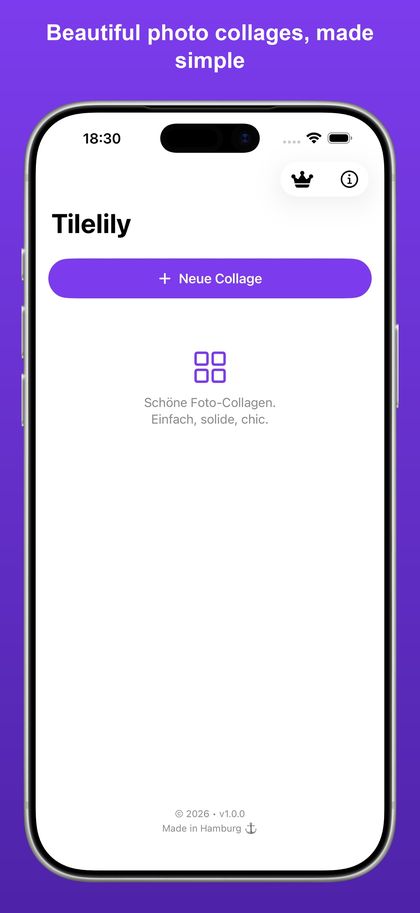
Home screen -
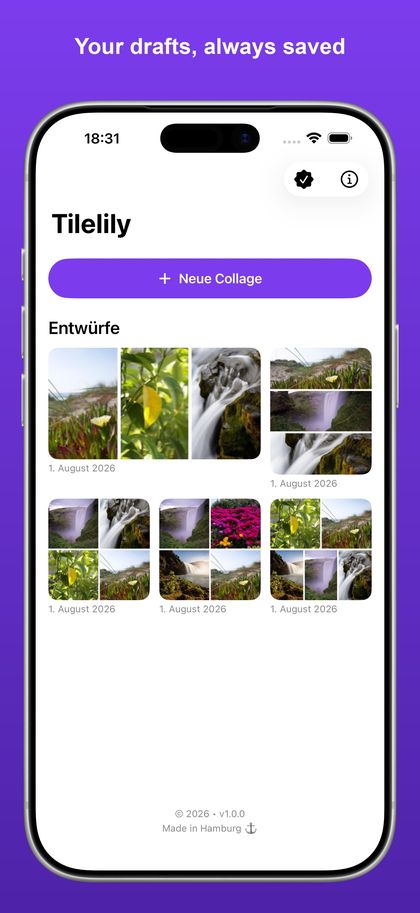
Drafts are never lost -
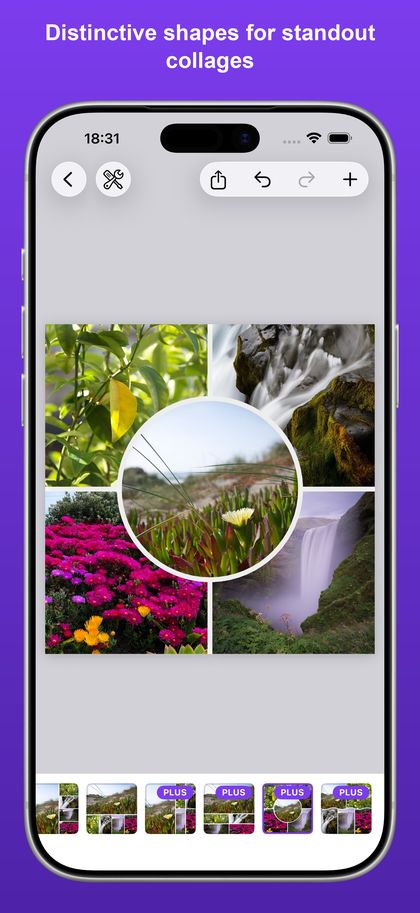
The circle-in-the-middle shape -
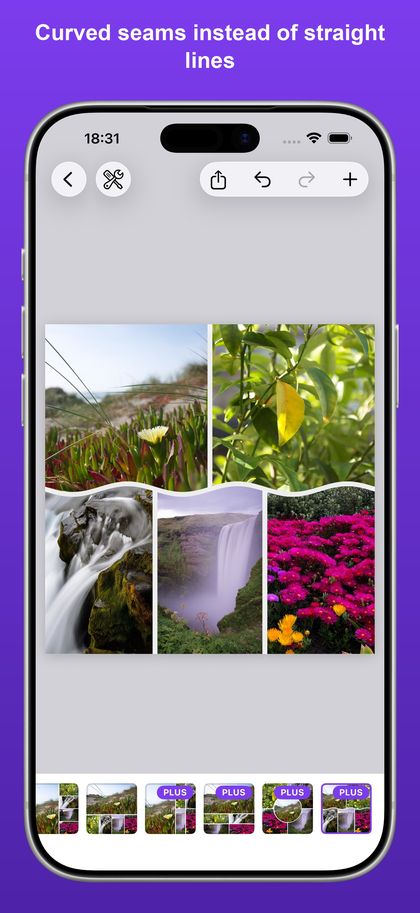
Curved seams -
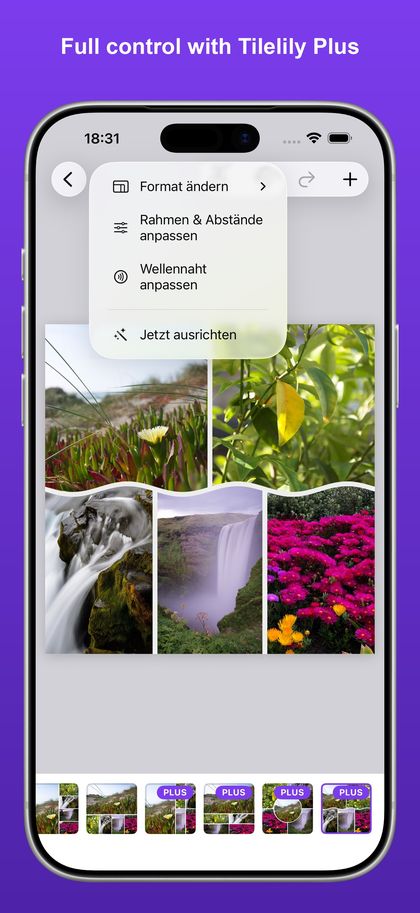
Tools for the fine-tuning -

Tilelily Plus


Questions & answers
Do I need an account?
No. Tilelily has no sign-in, no profile, and no cloud. Download the app and get going.
Do my photos leave the device?
No. Selection, cropping, preview, and export all happen on your iPhone. Your collage only goes somewhere once you share it yourself.
Are there watermarks?
No — not even in the free version. That is a deliberate product decision, not a feature waiting to be added later.
Is Tilelily Plus a subscription?
No, it is a one-time purchase of €8.99. It lasts, it works with Family Sharing, and it can be restored on a new device.
Which devices are supported?
iPhone running iOS 17 or later, in portrait. A dedicated iPad version is on the idea list but not in the works yet.
Is an Android version coming?
The collage logic was built to be portable from the start, so an Android port stays possible. There is no date for it yet.
How do I report a bug or ask for a feature?
Just write to info@scheefe-edv.de — ideally with your device, your iOS version, and a screenshot if you have one.